🕵🏼♀️ Introducing the Hex CLI
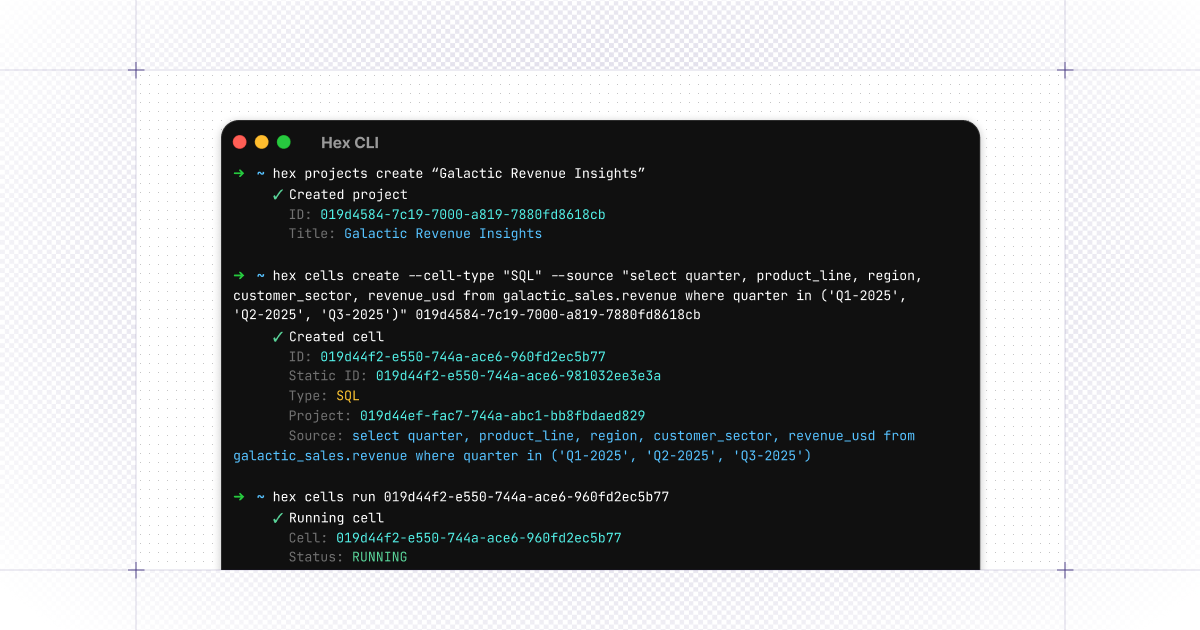
Today, we’re announcing the Hex Command Line Interface. Using the CLI, users (and agents like Claude Code) can create projects, write SQL, run analyses, and connect their agents…without leaving the terminal.
👫 Some ways we’ve seen our customers use the CLI
It’s been exciting to hear the use cases customers are envisioning for the CLI during our beta period:
🤖 Generate locally, ship to Hex - Sometimes, Claude knows just a little bit more about a topic than Hex does, for example, those changes you’re working on in your dbt project right this minute. With the CLI, use any coding tool to write SQL and Python and then push the finished analysis to Hex as a shareable, versioned project.
🤩 Bulk Schema Updates - when a column is renamed, you used to be left with the hefty job of hunting down every affected dashboard and fixing them one by one. Now, list all projects, scan all SQL cells for the old column name, update, and rerun to validate. From a day-long project to a simple script.
🚂 BI Migration 😉 - Do you have a bunch of legacy BI reports that you want to move to an AI native platform but you’re overwhelmed by the project? Create a new Hex project in one command (or create a script to create a whole bunch of Hex projects). Fetch the SQL from your old BI tool, and migrate it to Hex, no clipboard required.
If you’re ready to get started, just paste the following in your terminal (or check out the documentation here)
curl installer: curl -fsSL https://hex.tech/install.sh | bash
homebrew installer: brew install hex-inc/hex-cli/hex