Enable AI & Agents
Manage AI access for your workspace.
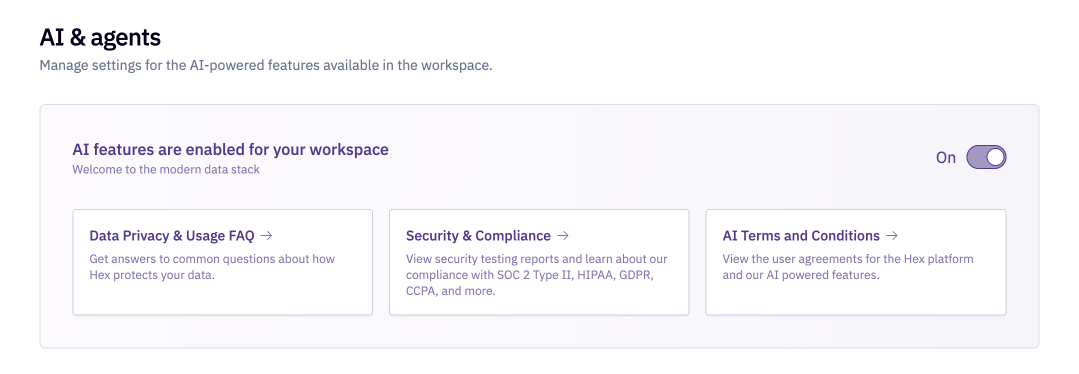
By default, Hex's AI features are enabled at the workspace level. Hex Admins can disable AI features for their workspace in Settings > AI & agents. By disabling this setting you will disable all AI features in your workspace.
Endorsed mode for Explorers
By default, Explorer users are restricted to Endorsed Mode when using Threads and can only access endorsed assets via the agent.
Admins can toggle off this enforcement in Settings > AI & agents using the Endorsed mode for Explorers setting. When disabled, Explorers can toggle between endorsed and all assets, just like Editors.
Keeping Endorsed mode enforced for Explorers is recommended when you want to ensure that self-serve users only interact with data that has been explicitly reviewed and approved by your data team.
Allow agent web search
Admins can use the Allow agent web search toggle in Settings > AI & agents to control whether the Threads agent and Notebook agent can search the web when prompted. When this setting is turned off, agents will not be able to search the web or extract content from URLs that are shared in prompts.